If you work in Operations, HR, or Office Management, your job title is often a polite way of saying “The Person Who Solves Everyone’s Problems.”
You are the keeper of the SOPs, the manager of the onboarding process, and the person who knows where everything is. But as teams become more hybrid and digital, “knowing where everything is” is becoming an impossible task. Information is scattered, and you are likely spending hours every week acting as a human search engine.
The most valuable skill you can add to your resume in 2026 isn’t learning to code—it’s learning to use the platforms you already own to build systems.
Specifically, mastering “No-Code” SharePoint.
What is the “Citizen Developer”?
For years, if you needed a professional internal tool, you had to write a project brief, secure a huge budget, and wait months for an IT developer to build it.
That era is over. The rise of the “Citizen Developer” means that everyday operations professionals can now use platforms like Microsoft SharePoint Online to build complex, secure, and beautiful internal tools using a drag-and-drop interface.
You don’t need a computer science degree. You just need to know how to structure information.
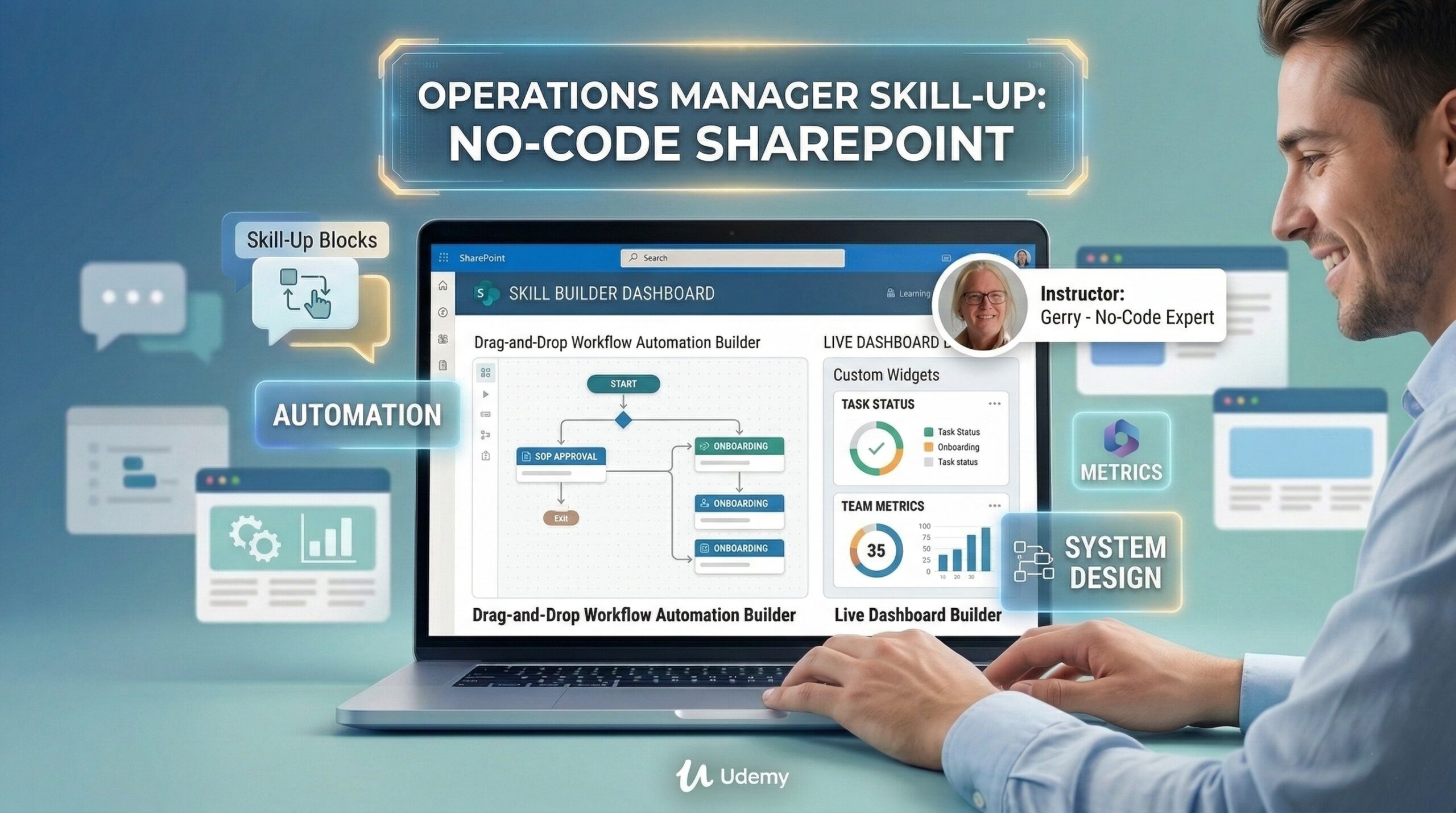
The 3 High-Impact Systems You Can Build in SharePoint (In One Day)
If you can master basic SharePoint Web Parts and document libraries, you can solve these three common organizational bottlenecks instantly:
1. The Automated Onboarding Hub
Instead of emailing five different PDFs to a new hire, you can build a secure page that includes a welcoming video, links to all policy documents, and a Microsoft Form they must submit once they’ve finished their reading list.
2. The Interactive SOP Library
Stop saving SOPs as Word documents in a messy folder. Create a vibrant page where “Standard Operating Procedures” are tagged, searchable, and filtered by department, ensuring nobody ever uses an “outdated version” again.
3. The Central Project Dashboard
Centralize project statuses, links to live documents (Excel/PowerPoint), and team calendars on a single page. Everyone knows what the goals are, and you stop receiving “Where is the latest update?” emails.
💡 Quick Answer
Question: Is coding required to build a SharePoint intranet in 2026?
Answer: No. Modern SharePoint Online uses a robust, “no-code” drag-and-drop interface known as Web Parts. This allows operations managers and administrators to design professional communication sites, document hubs, and automated workflows without any knowledge of HTML, CSS, or complex programming.
When you do need code, like JSON, CoPilot AI can do the work for you. I’ll show you how in the course mentioned below.
The Blueprint to Becoming Indispensable
Mastering these “No-Code” skills does two things: It makes your company significantly more efficient, and it makes you—the person who built the system—indispensable.
If you’re ready to stop being the “human search engine” and become a digital systems builder, I want to help you get there in just one day.
In my course, Build Your Intranet in a Day, I will guide you step-by-step through the process of building these vital tools. We’ll build a real, working SharePoint site from a blank canvas.
Give yourself the skill that will define successful operations managers in 2026. Let’s start building.