Microsoft Planner Tutorial for Beginners (Step-by-Step) | Task Management in Microsoft 365
Want a simple way to manage tasks with your team inside Microsoft 365?
In this video, I walk you through Microsoft Planner, the built-in task management tool that helps small teams stay organized, visible, and accountable—without complicated project management software.
You’ll learn how to:
Create and organize tasks using buckets and labels
Assign clear ownership (and why it matters)
Use board, calendar, and grid views
Track work across Teams, Outlook, and To Do
Avoid common Planner frustrations and limitations
Planner isn’t meant to replace full project management tools—but it’s incredibly powerful when used the right way.
If you’re currently managing tasks in email or spreadsheets, this will be a big upgrade.
Build your SharePoint + Microsoft 365 setup the right way: https://lightlever.ca/diy
Learn how to actually implement Microsoft 365 in your business: https://lightlever.ca
—
#MicrosoftPlanner #Microsoft365 #TaskManagement #ProjectManagement #SmallBusinessTools #ProductivityTips #Teams #SharePoint #MicrosoftToDo #WorkSmarter #BusinessProductivity
Watch Files Trigger Tasks Without Lifting a Finger
Discover how to use Power Automate in Microsoft 365 to automate real business tasks—without being a developer. In this practical tutorial, you’ll learn what flows are, how triggers and actions work, and how to build a complete automation step‑by‑step using Copilot.
We walk through a real small business scenario: automatically creating Planner tasks when a document is added in SharePoint—plus adding smart logic to flag urgent issues. Along the way, you’ll learn the key concepts (connectors, triggers, actions), how to avoid common Copilot mistakes, and how to confidently test and refine your flows.
If you’ve ever wondered “what can I actually do with Power Automate?”—this is your answer. Simple, practical, and ready to apply in your own Microsoft 365 environment.
Want a faster way to set up your SharePoint and workflows? Explore the DIY Setup Kit: https://lightlever.ca/diy
—
#PowerAutomate #Microsoft365 #WorkflowAutomation #AIforBusiness #Copilot #SharePoint #SmallBusinessTech #MicrosoftCopilot #BusinessAutomation #DigitalWorkflows #ProductivityTools #AutomateYourWork #M365 #TechForBusiness
Microsoft 365 Admin Beginner Guide | 5 Must-Know Tips (Users, Groups, Licenses & SharePoint)
Just became the accidental Microsoft 365 admin? You’re not alone.
In this video, I walk you through 5 essential Microsoft 365 admin tips to help you get productive fast—without breaking anything. Whether you inherited the role, volunteered, or got “voluntold,” this is your practical starting point.
We cover:
How to manage users, reset passwords, and offboard correctly
The difference between Microsoft 365 groups, security groups, and distribution lists
How licenses really work (and where you might be wasting money)
What every admin should know about SharePoint and site management
How to handle shared mailboxes and email aliases the smart way
This is not theory—it’s real, everyday admin work explained simply for small businesses and accidental admins.
If you’re using Microsoft 365, SharePoint, or Copilot—this will save you time, money, and stress.
👉 Free AI Prompt Guide for Microsoft 365: https://lightlever.ca/free_guide
👉 DIY SharePoint Setup Kit: https://lightlever.ca/diy
👉 Learn SharePoint step-by-step: https://lightlever.ca/learn_sharepoint
—
#microsoft365 #m365 #sharepoint #microsoftcopilot #itadmin #smallbusiness #accidentaladmin #productivity #businesstools #cloudcomputing #office365 #digitalworkplace #techforbusiness #worksmarter #lightlever
Claude’s Newest Plugin Solves a Problem Every Small Business Has
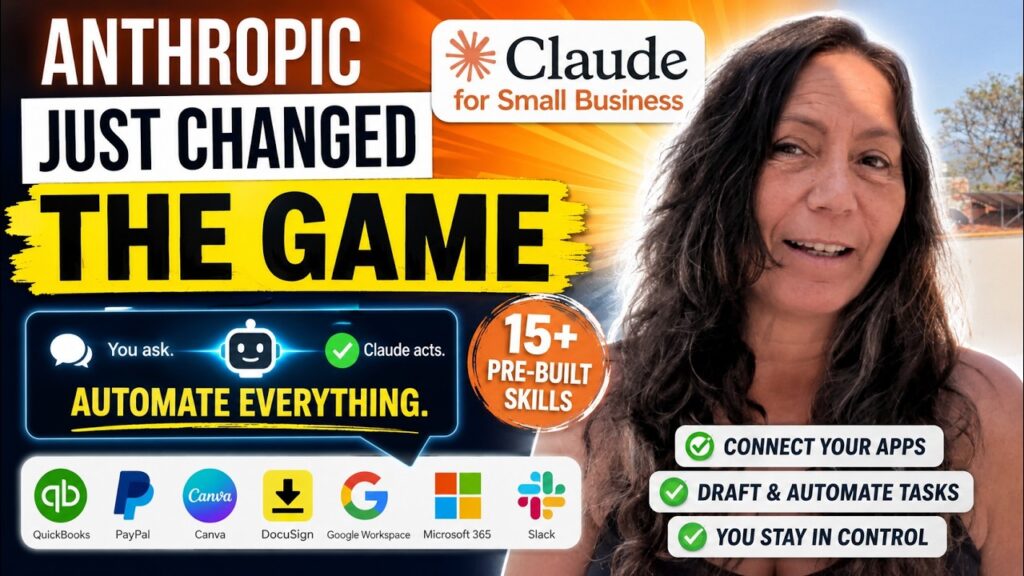
Anthropic just launched Claude for Small Business (May 2026)—and it’s the first AI that actually does the work for you.
Get the Fast-Track Intranet Setup Kit here: https://lightlever.ca/diy
In this hands-on demo, we show how Claude connects to your real tools—QuickBooks, PayPal, Canva, DocuSign, Google Workspace, Microsoft 365, and Slack—to automate everyday business tasks instantly.
No templates. No setup headaches. Just ask.
What you’ll see:
Real-time cash flow checks across QuickBooks + PayPal
Automatic invoice follow-ups written in your brand voice
Marketing campaigns created from your data (with visuals)
Microsoft 365 + SharePoint integration in action
How Claude cleans up your files and builds workflows
Security, permissions, and “human-in-the-loop” approval
This is the shift from chatbot → AI Chief of Staff.
If you’re a small business owner tired of manual admin work, this is worth your time.
👉 Try Claude CoWork + plugins (Small Business Suite)
👉 Let us know how you’d use it in your business
—
#SmallBusinessAI #ClaudeAI #AIforBusiness #Microsoft365 #QuickBooks #SharePoint #BusinessAutomation #AItools #EntrepreneurLife #AIworkflow #AutomationTools #DigitalProductivity #Anthropic #AIDemo #FutureOfWork
5 Ways AI Can Actually Help Your Small Business done

Most small businesses are using AI like a fancy spell‑checker — and missing its real power.
In this video, I break down 5 practical, no‑hype ways AI can actually help small business owners make better decisions, spot blind spots, build smarter content and SEO systems, and understand their customers better — without a big budget or technical background.
This isn’t about replacing your judgment.
It’s about using AI as a thinking partner.
Here is our free AI prompt pack: https://lightlever.ca/free_guide
In this video, you’ll learn how to:
• Compress decision‑making and pressure‑test your assumptions
• Use AI as your personal strategy department
• Identify blind spots in your business strategy
• Build a content & SEO system that compounds over time
• Analyze customer feedback to uncover hidden insights and opportunities
If you’re a small or medium business owner who wants calmer days, better decisions, and smarter growth, this video is for you.
👍 Like the video if it helped
💬 Drop your questions in the comments — I read and reply
🔔 Subscribe for practical AI + small business strategy
—
#AIForSmallBusiness #SmallBusinessAI #BusinessStrategy #EntrepreneurLife #AIProductivity #DecisionMaking #ContentMarketing #SEOforSmallBusiness #DigitalStrategy #BusinessGrowth #NoHypeAI #PracticalAI #SMB
Teams vs SharePoint: What’s the Difference (And Why You’re Already Using Both)
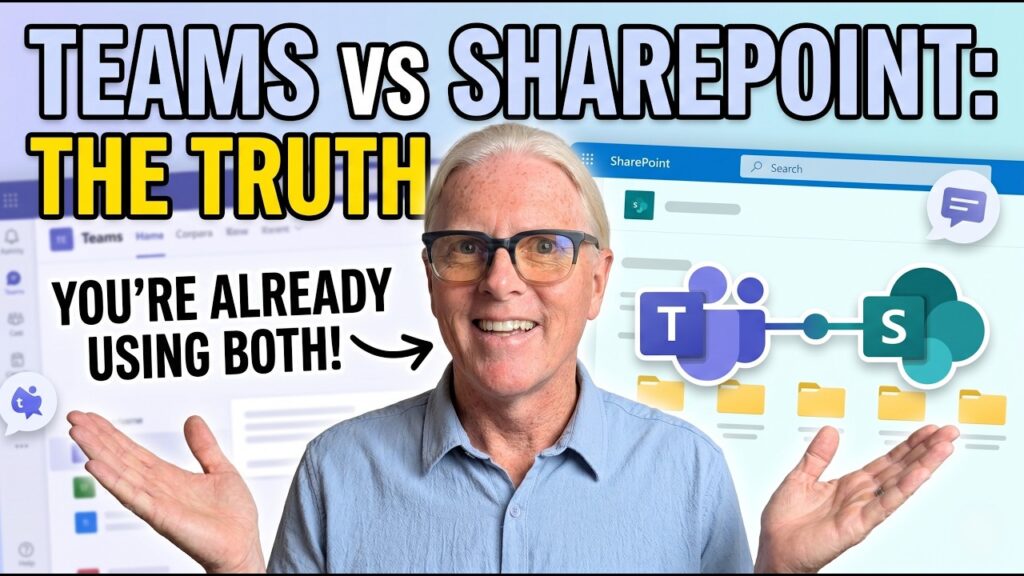
People often ask: Do we need Microsoft Teams or SharePoint? Which one should we use?
The real answer surprises most businesses: if you’re using Teams, you’re already using SharePoint.
In this video, I break down the difference in a simple, practical way—no Microsoft jargon.
Teams is where people chat, meet, and work every day.
SharePoint is where files, structure, permissions, metadata, and governance actually live.
You’ll see:
• What really happens behind the scenes when you create a Team
• Where your files are actually stored
• How Teams and SharePoint share the same files, views, metadata, and search
• Why private and shared channels create separate SharePoint sites
• How SharePoint pages and lists show up directly inside Teams
• When a “Teams‑first intranet” makes sense for small businesses
If Teams feels easy but confusing, and SharePoint feels powerful but overwhelming—this video will make it click.
—
#MicrosoftTeams #SharePoint #Microsoft365 #TeamsVsSharePoint #SmallBusinessIT #ModernWork #DigitalWorkplace #Office365 #Intranet #CollaborationTools #Microsoft365ForSmallBusiness
Why Every SharePoint Intranet Needs a Sandbox Site (Safe Training Without Risk)

Most SharePoint mistakes happen because people are afraid to experiment.
In this video, I show you how we use Sandbox Sites in SharePoint with almost every Microsoft 365 client — and why they dramatically improve training, confidence, and adoption.
A sandbox site is a real SharePoint site, but non‑production.
That means your team can:
Build lists and libraries
Edit and break pages
Experiment with permissions (safely)
Test Copilot, Teams, Planner, and new ideas
Learn by doing, not by being careful
You’ll see:
What a SharePoint sandbox site actually is
How to set permissions (freedom without risk)
Why everyone gets Edit access — but not ownership
Team site vs Communication site (and which one to choose)
Step‑by‑step how to create a sandbox in SharePoint
Nobody learns SharePoint by being careful.
Sandbox sites reduce fear, reduce accidents, and grow confidence fast.
Built for small businesses using Microsoft 365.
—
#SharePoint #Microsoft365 #SharePointTraining #Intranet #DigitalWorkplace #SharePointTips #Microsoft365ForBusiness #Copilot #SharePointAdmin #M365
How to Use Microsoft Copilot to Fix a Messy Business Document (Real MS365 Example)
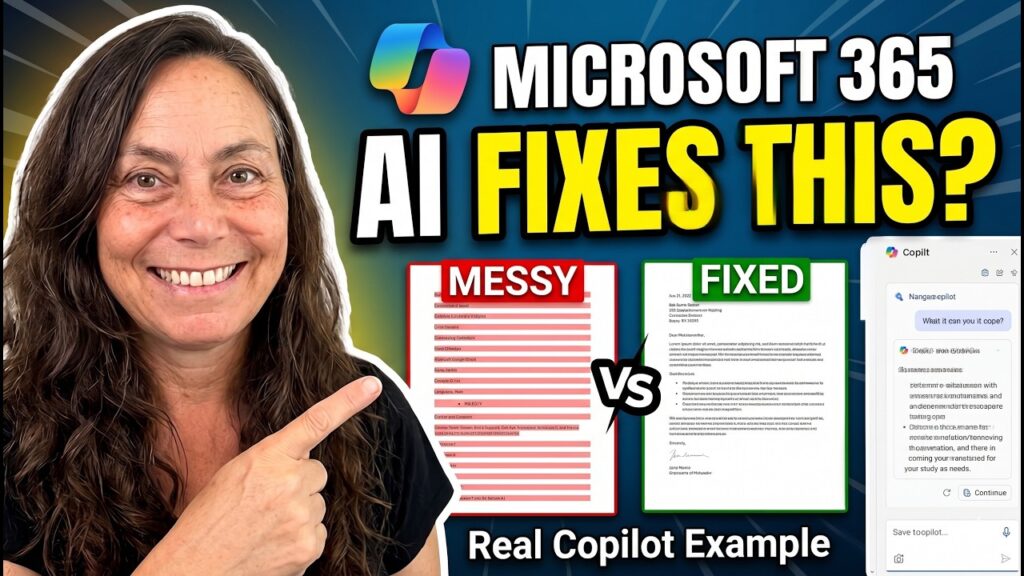
If your business runs on messy documents, scattered notes, copied emails, and unclear decisions — this video is for you.
In this tutorial, I walk through a real, messy internal document from a small business and show exactly how to use Microsoft Copilot and AI prompts inside Microsoft 365 to turn chaos into clarity.
You’ll see how to use AI to:
Understand what a long, disorganized document is actually about
Surface decisions, risks, and contradictions
Extract action items and missing owners
Create a clear “source of truth” summary
Improve SharePoint structure and document systems
Turn internal mess into customer‑safe messaging
This is not a template demo. It’s a realistic example of how Copilot supports real work — without hype, and without pretending AI can fix poor processes on its own.
Perfect for small business owners, operations managers, marketers, and teams using Microsoft 365 who want practical, trustworthy ways to work with AI.
Free Microsoft 365 AI prompt guide: https://lightlever.ca/free_guide
—
#microsoftcopilot #microsoft365 #copilotforwork #aitutorial #aiforsmallbusiness #ms365 #sharepoint #copilotinword #businessautomation #productivity #aiinbusiness #workflow #digitalworkplace
Anthropic’s Free AI Courses & Claude Cowork: Are They Worth It for Small Businesses?
Anthropic has released free AI courses on how to work with Claude—and a new tool called Claude Cowork that acts more like a digital teammate than a chatbot. In this video, we look at what Anthropic’s courses actually teach, how Claude Cowork works in real business scenarios, and whether any of this is truly useful for small businesses.
We also compare Anthropic’s approach to Google Gemini and Microsoft 365 Copilot, explaining the key differences between AI helpers and AI coworkers. This is a practical, no‑hype walkthrough focused on real workflows, delegation, and responsible AI use—not prompt tricks.
If you’re a business owner or team lead trying to decide where AI actually fits into your daily work, this video will help you understand what’s genuinely new—and what still needs human judgment.
—
#Anthropic #Claude #ClaudeCowork #AIForWork #SmallBusinessAI #AICourses #AICollaboration #AIAtWork #DigitalCoworker #PracticalAI #AIFluency #FutureOfWork #NoHypeAI
Excel vs SharePoint Lists in Microsoft 365: Which One Should You Use (And When)

If you work in Microsoft 365 Business, you’ll eventually face this question: should your data live in Excel or a SharePoint list?
In this video, I break down the real difference—power versus constraint—and explain when Excel is the right tool, when SharePoint lists shine, and when combining both gives you the best results.
You’ll learn:
When Excel is ideal for analysis, modeling, and reporting
Why SharePoint lists are better for structured data entry and shared access
How version history, permissions, and collaboration differ
When to connect a SharePoint list to Excel for powerful reporting
Practical guidance for small businesses using Microsoft 365
This is not a feature checklist—it’s a decision framework you can actually use.
If you’re choosing between Excel and SharePoint lists, or planning to convert spreadsheets into lists, this video will save you time and headaches.
—
#Microsoft365 #ExcelTips #SharePointLists #SmallBusinessTech #DataManagement #MicrosoftExcel #SharePointOnline #ProductivityTips #M365