Building a SharePoint Intranet? Don’t Start with a Blank Page
Most small business owners know they need a central “Digital HQ,” but the thought of organizing a SharePoint site often feels like a second full-time job. At Lightlever, we specialize in building these intranets, and we’ve found a shortcut to beat the “blank page” paralysis: AI-assisted planning.
You don’t need to be a designer or a coder to structure a site your team will actually use. Our Free AI Prompt Starter Pack gives you the exact language to blueprint your workspace today using ChatGPT or Microsoft Copilot.
Stop Guessing, Start Prompting
Inside the freebie, we’ve included tested prompts to help you skip the manual drafting phase and move straight to implementation:
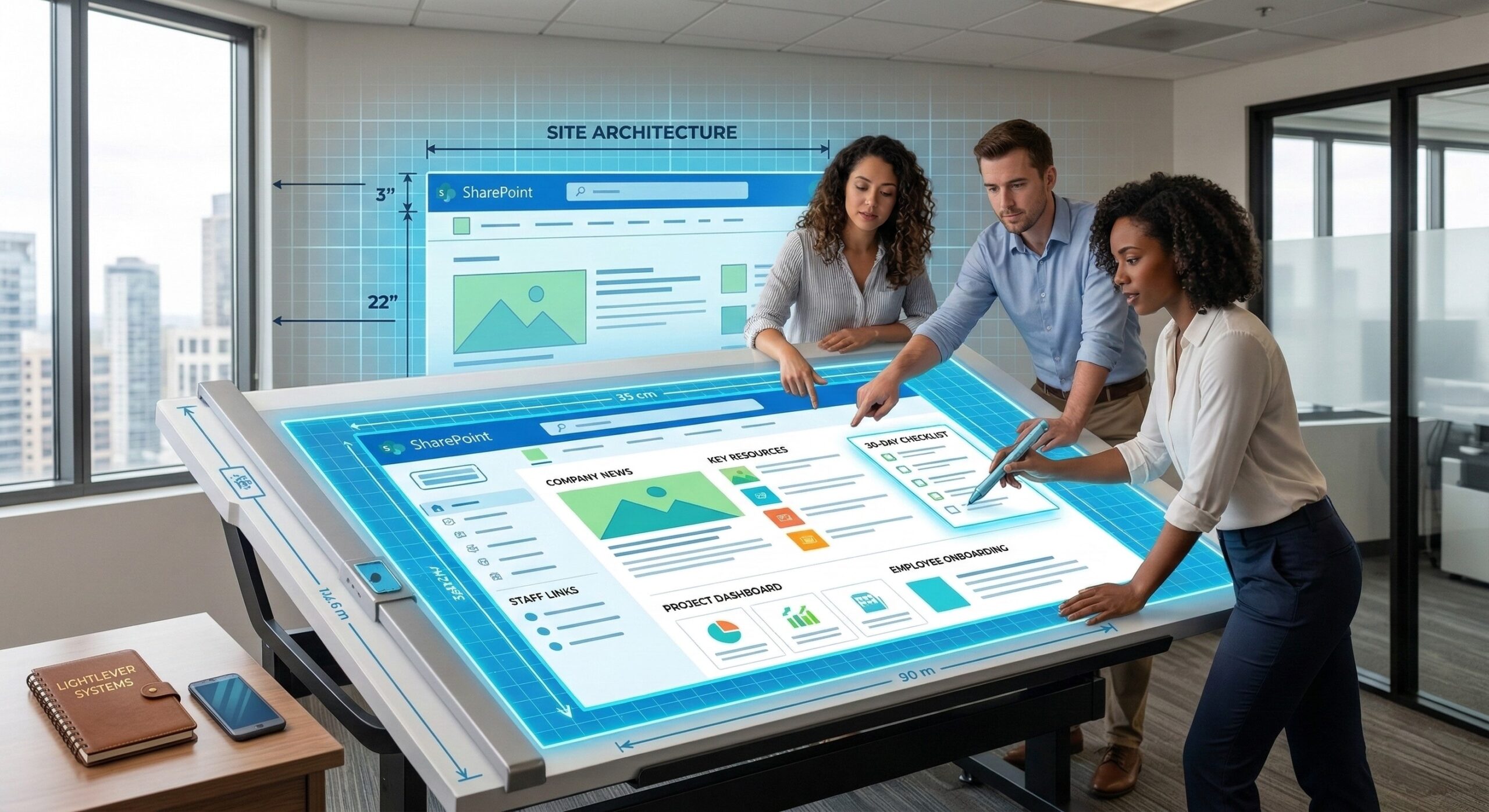
Plan a Homepage: Get specific layout instructions for a small business homepage, including sections for company news, key resources, and staff links.
Design Onboarding Pages: Create a “New Employee Onboarding” page layout that includes welcome messages, placeholders for required paperwork, and a 30-day checklist.
Organize Resource Hubs: Instantly generate suggestions for a “Resources” page to house company policies, templates, and training materials.
Why Context Matters for AI
The secret to these professional results isn’t just the AI – it’s the Meta-Prompt Method. We teach you how to give the AI your specific business context, such as your industry and brand voice, so the layouts it suggests actually fit your company culture.
By providing a clear Role, Task, and Constraints, you turn a generic AI into a specialized consultant. At Lightlever, we believe small businesses should spend less time fighting technology and more time getting results. Use these prompts to build a digital foundation that scales with your team.
[Download Your Free AI Prompt Starter Pack at lightlever.ca/free_guide]