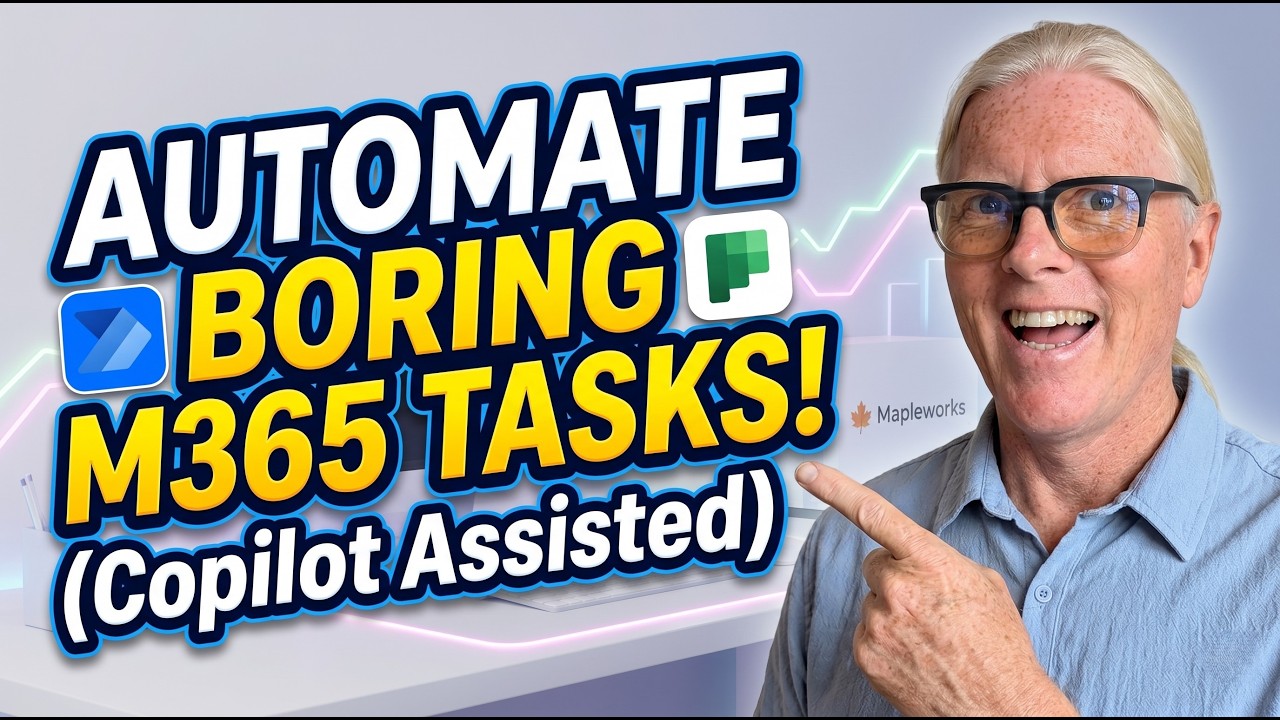
Discover how to use Power Automate in Microsoft 365 to automate real business tasks—without being a developer. In this practical tutorial, you’ll learn what flows are, how triggers and actions work, and how to build a complete automation step‑by‑step using Copilot.
We walk through a real small business scenario: automatically creating Planner tasks when a document is added in SharePoint—plus adding smart logic to flag urgent issues. Along the way, you’ll learn the key concepts (connectors, triggers, actions), how to avoid common Copilot mistakes, and how to confidently test and refine your flows.
If you’ve ever wondered “what can I actually do with Power Automate?”—this is your answer. Simple, practical, and ready to apply in your own Microsoft 365 environment.
Want a faster way to set up your SharePoint and workflows? Explore the DIY Setup Kit: https://lightlever.ca/diy
—
#PowerAutomate #Microsoft365 #WorkflowAutomation #AIforBusiness #Copilot #SharePoint #SmallBusinessTech #MicrosoftCopilot #BusinessAutomation #DigitalWorkflows #ProductivityTools #AutomateYourWork #M365 #TechForBusiness