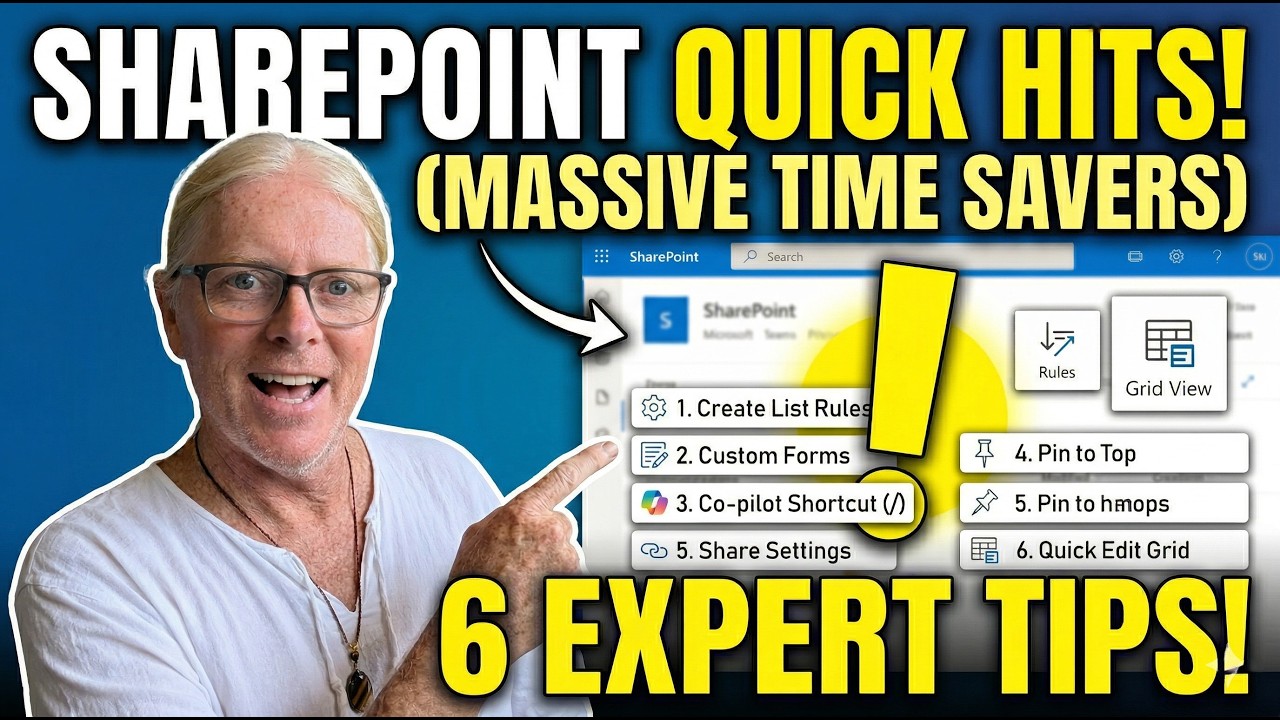
Looking for practical SharePoint and Microsoft 365 tips that actually save time?
In this video, we walk through 6 quick, real‑world tips using a realistic SharePoint site (Mapleworks) to show how small teams can work smarter—without new tools or complex setup.
You’ll learn how to:
✅ Replace old SharePoint alerts with modern List Rules
✅ Create custom list forms for cleaner data entry
✅ Use a simple Copilot slash ( / ) trick to summarize files faster
✅ Pin important documents to the top of a SharePoint library (and Teams!)
✅ Share files more securely with better link settings
✅ Edit SharePoint lists like Excel using Grid View
These are small features, but they add up to hours saved over time—especially for small businesses and teams using SharePoint and Microsoft 365 every day.
👉 If you’re modernizing SharePoint, moving away from legacy features, or just want faster workflows, this video is for you.
💡 Used in our real demo environment from our Microsoft 365 course.
👇 Drop your questions in the comments – we read them all.
—
#SharePoint,#Microsoft365,#SharePointTips,#M365Tips,#SmallBusinessIT,#ProductivityTips,#MicrosoftCopilot,#SharePointLists,#ModernSharePoint,#WorkflowAutomation,#TeamsAndSharePoint,#DigitalWorkplace,#KnowledgeManagement,#CopilotForMicrosoft365