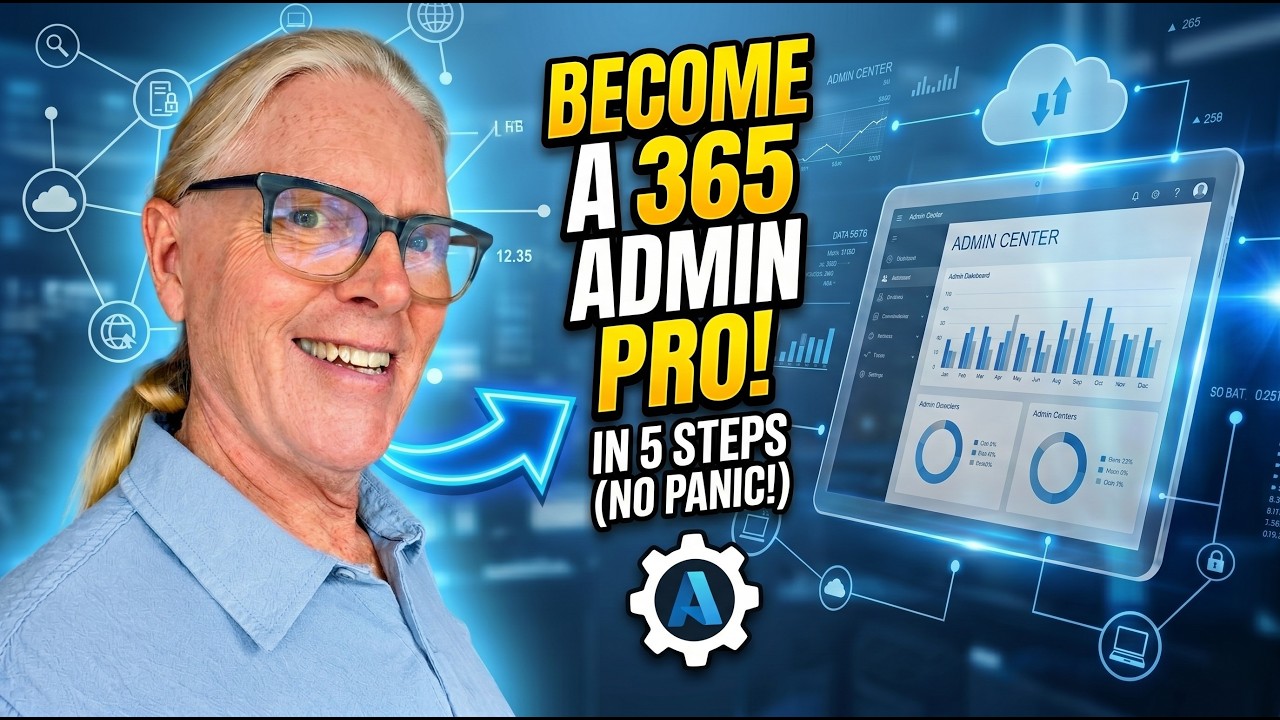
Just became the accidental Microsoft 365 admin? You’re not alone.
In this video, I walk you through 5 essential Microsoft 365 admin tips to help you get productive fast—without breaking anything. Whether you inherited the role, volunteered, or got “voluntold,” this is your practical starting point.
We cover:
How to manage users, reset passwords, and offboard correctly
The difference between Microsoft 365 groups, security groups, and distribution lists
How licenses really work (and where you might be wasting money)
What every admin should know about SharePoint and site management
How to handle shared mailboxes and email aliases the smart way
This is not theory—it’s real, everyday admin work explained simply for small businesses and accidental admins.
If you’re using Microsoft 365, SharePoint, or Copilot—this will save you time, money, and stress.
👉 Free AI Prompt Guide for Microsoft 365: https://lightlever.ca/free_guide
👉 DIY SharePoint Setup Kit: https://lightlever.ca/diy
👉 Learn SharePoint step-by-step: https://lightlever.ca/learn_sharepoint
—
#microsoft365 #m365 #sharepoint #microsoftcopilot #itadmin #smallbusiness #accidentaladmin #productivity #businesstools #cloudcomputing #office365 #digitalworkplace #techforbusiness #worksmarter #lightlever